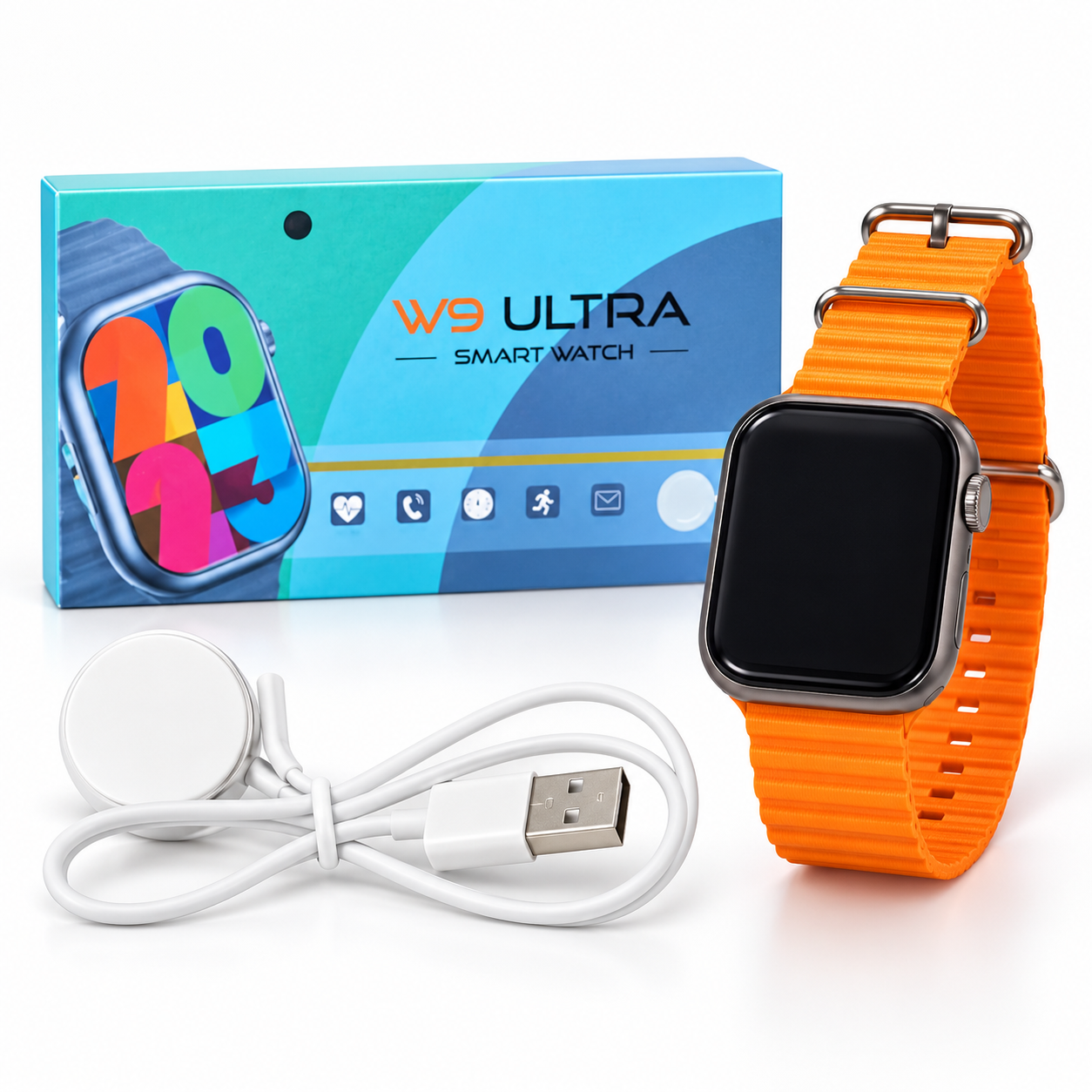
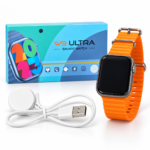
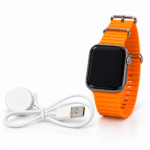
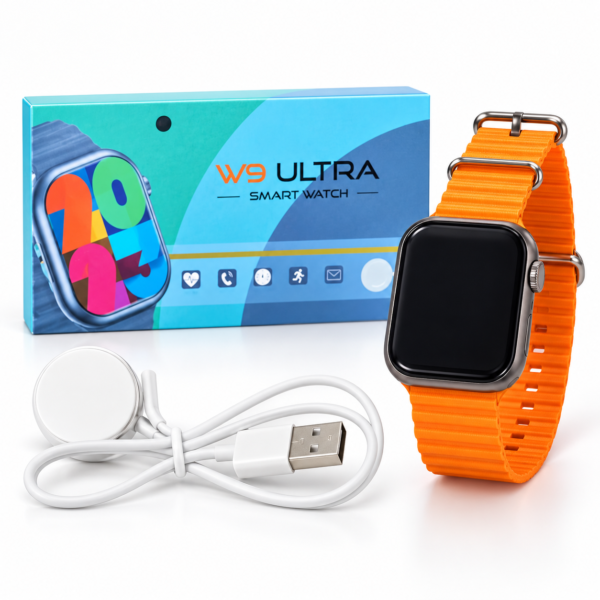
W9 Ultra Smartwatch combines a rectangular watch face with a bright orange strap for a noticeable everyday appearance. The supplied photograph shows the watch, its retail box and a USB charging cable, helping you review the design and pictured accessories before ordering.
Its rounded case and side crown-style control create a modern watch profile. For buyers who enjoy colourful accessories, the orange strap provides a simple way to add a bold detail to casual outfits and daily wear.
Table of Contents
- Design and Watch Face
- Orange Strap and Fit
- Display Information
- Companion App and Setup
- Charging Instructions
- Everyday Care
- Package Information
- Frequently Asked Questions
W9 Ultra Smartwatch Design
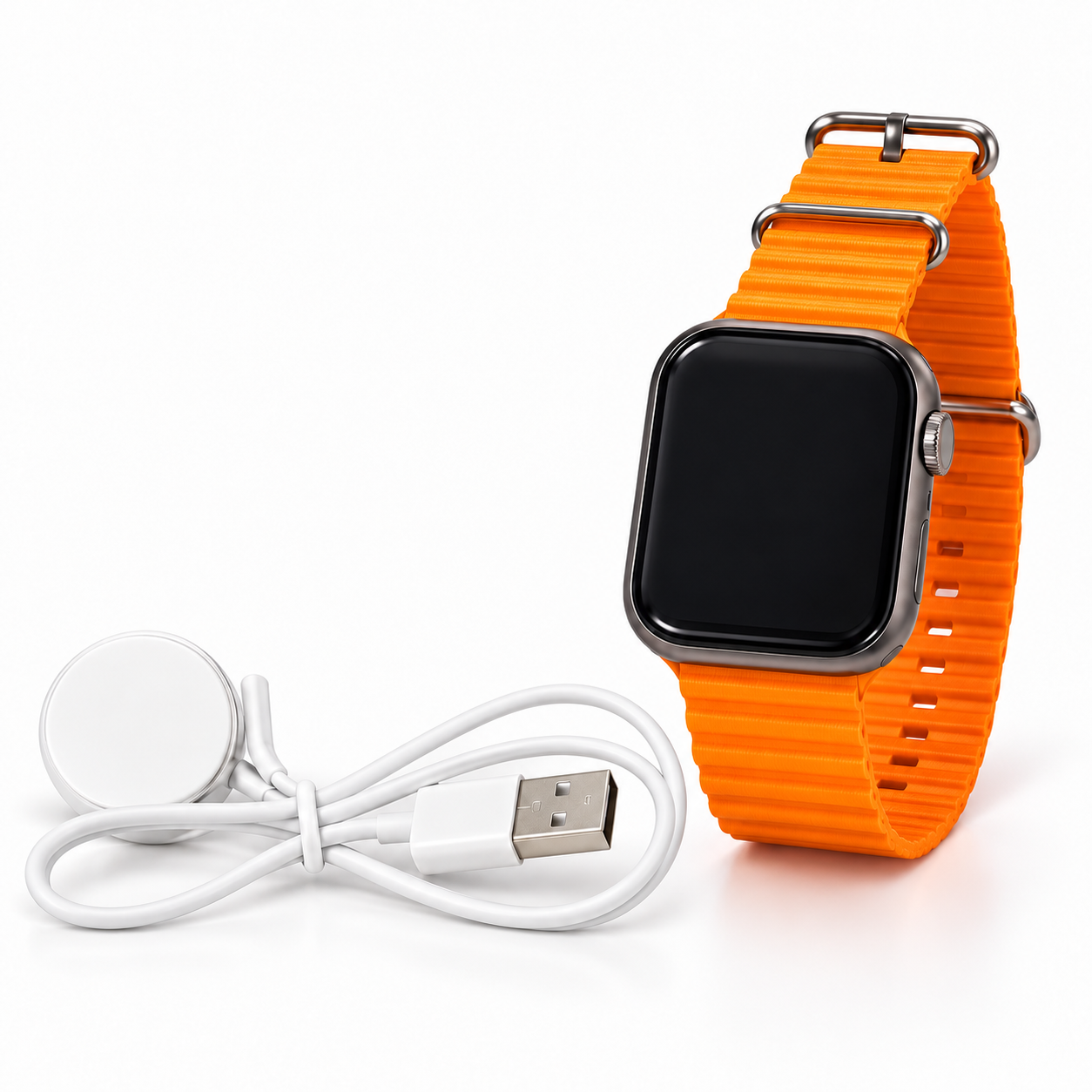
The watch has a rectangular face with rounded corners and a dark front panel. A crown-style control is visible on the side of the case.
This shape suits buyers who prefer a modern rectangular watch rather than a circular dial. The case is shown with a metallic-looking border that complements the bright strap.
The supplied image does not identify the case material or its dimensions. Review confirmed specifications if weight, thickness or material is important to your purchase. The visible finish should not be interpreted as confirmation of a particular metal.
Bright Orange Strap and Adjustable Fit
The W9 Ultra Smartwatch is pictured with an orange strap featuring adjustment holes and a buckle fastening. Its bright colour makes it a noticeable accessory alongside neutral or casual clothing.
Adjust the strap so the watch sits securely without feeling too tight. A comfortable fit helps prevent the case from moving excessively during everyday wear.
The photograph does not state the strap material, width or replacement size. If you plan to purchase another strap, confirm its measurements and attachment compatibility first.
Follow the supplied instructions when removing or replacing the strap. Check that both attachments are secure before wearing the watch again.
Watch Face and Display Information
The retail box shows a colourful example watch face, while the photographed watch screen is switched off. The packaging artwork illustrates the appearance of a digital display but does not confirm every available watch-face option.
Screen size, resolution, brightness and display technology are not stated in the supplied image. These details should be checked in the actual product specifications.
Explore the watch menu for available display settings after setup. If brightness or watch-face adjustments are supported, choose options that suit your daily routine.
W9 Ultra Smartwatch App and Setup
The companion app name is not visible in this photograph. Check the QR code or user manual supplied with your actual watch to identify the correct app.
Use the software specified for your unit rather than choosing an app based on a similar watch name. Different versions can require different apps or connection steps.
Follow these general setup steps alongside the supplied instructions:
- Identify the correct charging accessory and charge the watch.
- Turn it on using the method described in the manual.
- Find the companion app name or QR code in the instructions or watch menu.
- Check the app’s phone compatibility.
- Install the specified app from the appropriate official app store.
- Enable Bluetooth if the instructions require it.
- Open the app and follow its device-pairing process.
- Allow the permissions needed for the functions you choose to use.
If pairing fails, confirm the app and device selection before trying again. Keep the watch near your phone during the connection process.
W9 Ultra Smartwatch Charging Guide
The supplied photograph shows a USB cable with a round charging attachment. Use the charging accessory specified for your unit and follow the manufacturer’s instructions.
Place the attachment correctly against the watch’s charging area and check for a charging indicator. Do not assume that a round charger means compatibility with standard phone wireless charging pads.
Battery capacity, charging time and battery life are not confirmed in the image. Refer to the manual or verified specifications for those details.
Keep the watch and charging accessory clean and dry. Avoid forcing the connector or using an accessory that does not fit correctly.
Everyday Care and Feature Information
Clean the case and strap according to the supplied care instructions. Adjust the fit if the watch causes discomfort, and inspect the strap attachments periodically.
A water-resistance rating is not visible in the photograph. Check the manual before exposing the watch to water or wearing it during water activities.
The box includes small feature icons, but it does not provide enough readable detail to confirm their exact operation. Calling, health monitoring, sports modes and notifications should be checked against the actual manual before purchase.
For general information about Bluetooth technology used by many connected accessories, visit the Bluetooth SIG website. Confirm this model’s supported connection functions separately.
Package Information
The product photograph shows:
- One W9 Ultra watch with an orange strap
- One USB charging cable with a round attachment
- One retail box
Check the selected listing for the complete supplied contents, including any manual or additional accessories.
Frequently Asked Questions
Which model is shown?
The image identifies the watch as W9 Ultra.
Which app does it use?
The app name is not visible. Check the QR code or manual supplied with your unit.
Is a charging cable shown?
Yes. A USB cable with a round charging attachment is pictured.
What is the display size?
The supplied image does not state the screen size.
Does it support Bluetooth calling?
Calling is not clearly confirmed in the photograph. Check the actual specifications.
Where can I explore more accessories?
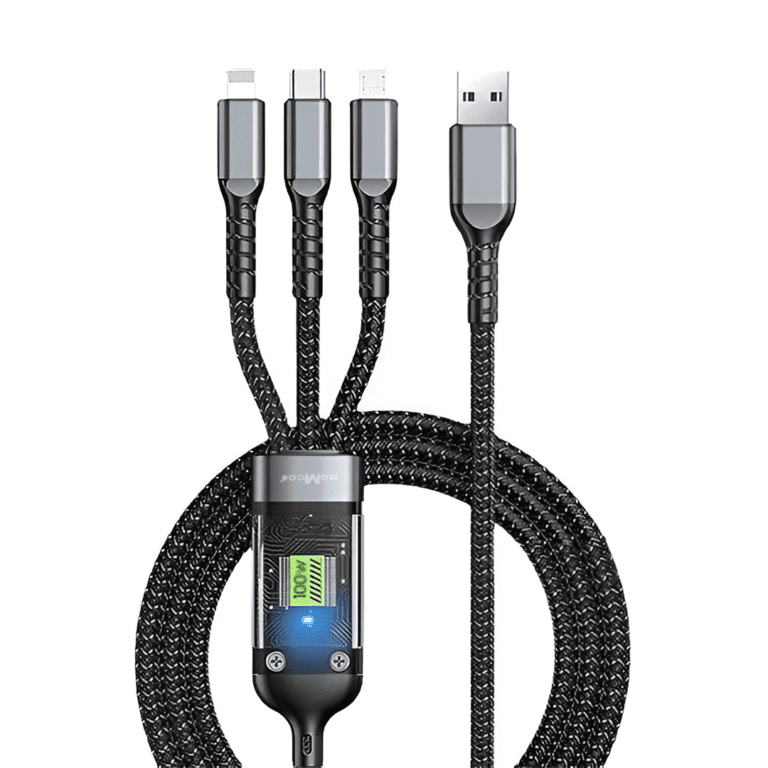
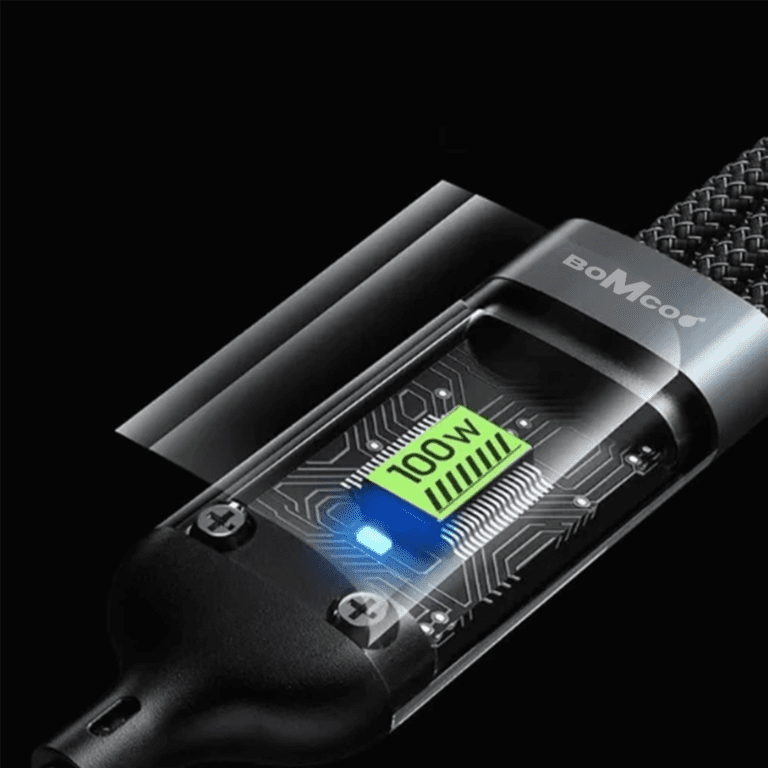
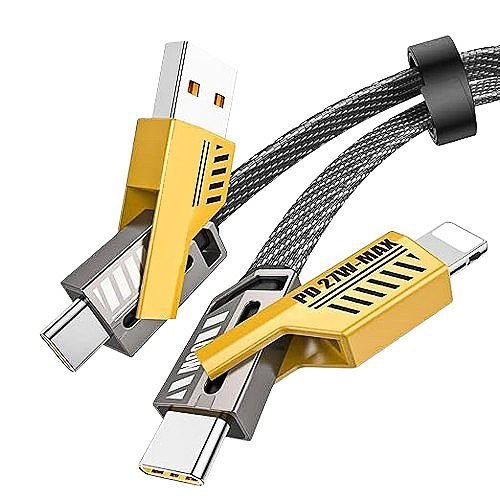
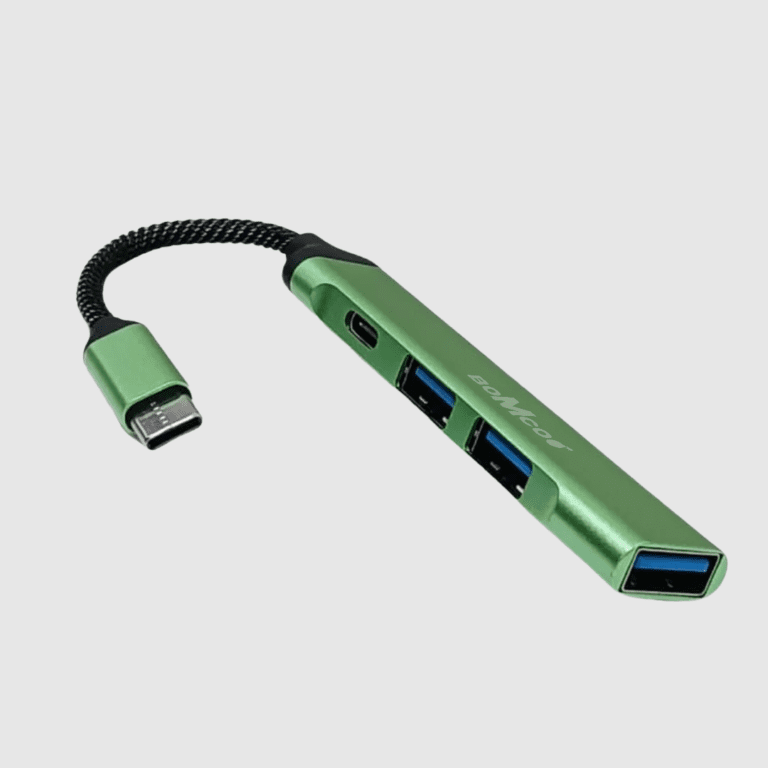
Browse more products from Bomcoo to compare available watches and accessories for your everyday style.



 Enjoy free shipping on all orders
 Your payments are secure & encrypted




Reviews
Clear filtersThere are no reviews yet.