
Why Is Your Phone Charging Slowly? 7 Reasons | BOMCOO
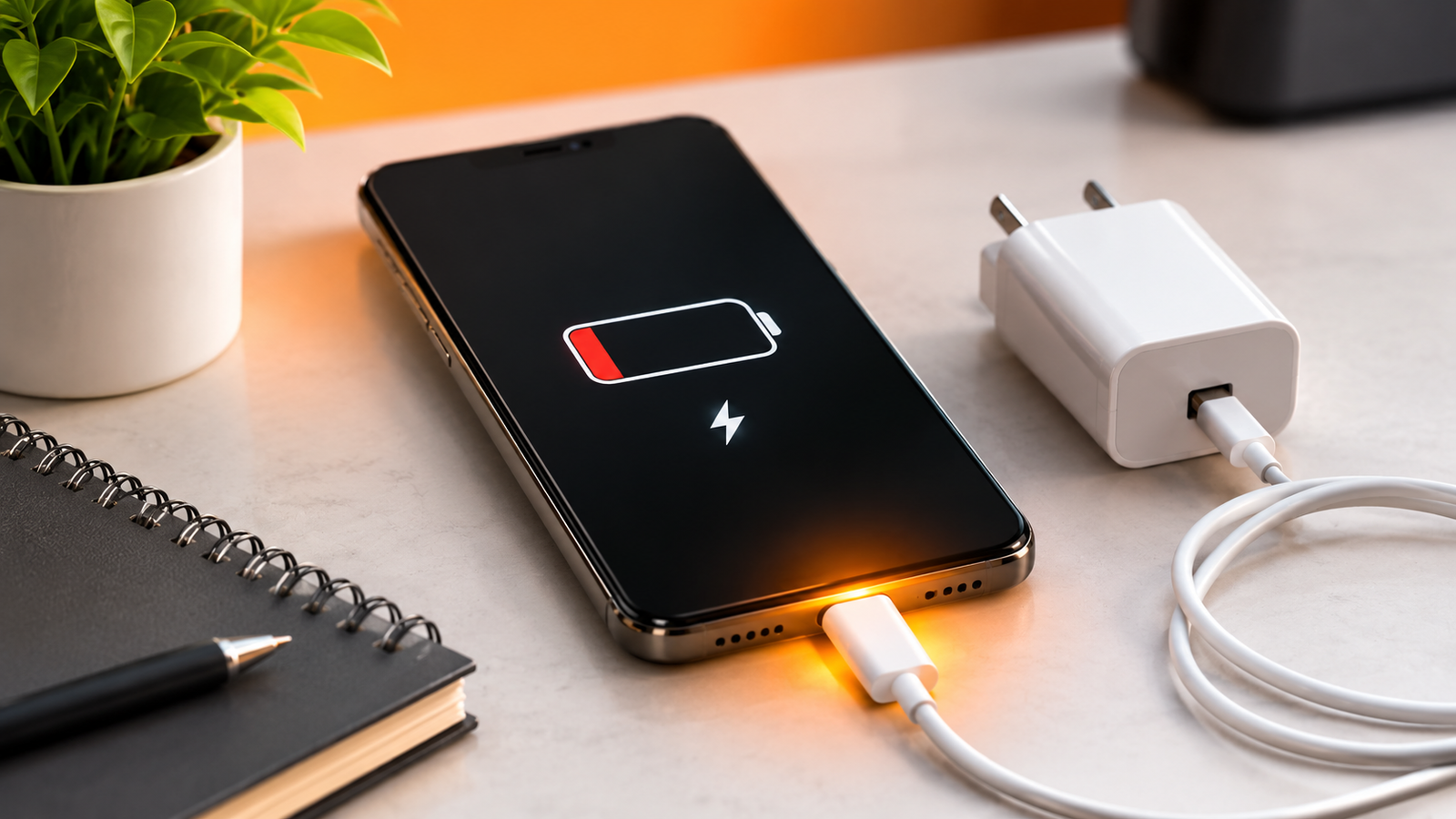
Why Is Your Phone Charging So Slowly? 7 Common Reasons You Should Know
You plug in your phone, leave it charging, and come back expecting 50% battery. But it’s barely reached 15%. What is going wrong?
Slow phone charging is one of those everyday tech problems that can quickly become frustrating. Whether you’re getting ready for work, travelling or simply scrolling through your favourite apps, waiting endlessly for your battery to charge is inconvenient.
The good news? Your battery may not be the problem. Let’s look at seven common reasons your smartphone charges slowly and what you can do about them.
1. Your Charging Cable May Be Limiting the Speed
Not every charging cable supports the same power output. Some cables are designed for basic charging, while others support higher charging speeds and data transfer.
A damaged, poor-quality or incompatible cable can also affect charging performance.
What to do: Check your phone’s supported charging standards and choose a compatible cable.
For multiple connector options, explore the BOMCOO 3-in-1 100W Charging Cable.
2. You’re Using an Incompatible Charging Adapter
Your charging adapter is just as important as your cable.
If the adapter doesn’t support the charging requirements of your smartphone, charging may be slower than expected.
Always check the supported wattage and charging protocol before purchasing a replacement adapter.
3. Dust or Lint Is Blocking the Charging Port
Your phone spends most of its day in your pocket, bag or on a desk. Over time, dust and lint can collect around the charging port.
This can prevent the connector from making proper contact.
If your cable feels loose or charging repeatedly disconnects, get the port checked by a qualified technician. Avoid using pins or metal objects to clean it.
4. Your Phone Is Being Used While Charging
Watching videos, gaming, video calling and running demanding applications consume battery power.
When your phone is doing all these things while charging, the battery percentage may increase more slowly.
Try closing unnecessary apps, lowering screen brightness and avoiding intensive tasks while charging.
5. Your Smartphone Is Getting Too Hot
Heat can affect charging performance. Many smartphones automatically reduce charging speed when temperatures become too high to protect the battery.
Avoid charging your device under pillows, in direct sunlight or in hot environments. If your phone becomes unusually warm, disconnect it and allow it to cool naturally.
6. Your Phone’s Battery Is Getting Older
Smartphone batteries gradually lose capacity as they go through charging cycles.
If your phone has been used for several years and you notice both poor battery life and slow charging, battery ageing could be a factor.
If the problem continues, have the battery checked by a qualified service professional.
7. Background Apps Are Consuming Power
Some applications continue running in the background, using mobile data, location services and processing power.
This can increase battery consumption while your phone is plugged in.
Review your battery usage settings and restrict unnecessary background activity.
How to Build a Better Everyday Charging Setup
A few simple habits can make your charging routine more convenient:
- Use cables and adapters compatible with your smartphone.
- Replace damaged charging accessories.
- Keep the charging port free from dust.
- Avoid excessive heat while charging.
- Don’t use demanding applications unnecessarily during charging.
- Check battery health if charging problems continue.
If you need a cable for compatible USB-C devices, take a look at the BOMCOO 60W Type-C to Type-C Charging Cable.
Final Thoughts
A slow-charging smartphone doesn’t automatically mean you need a new battery or a new phone.
Your charging cable, adapter, port condition, phone temperature and everyday usage habits can all influence charging performance.
Start with the simple checks before spending money on repairs or replacements.
Because sometimes, improving your charging experience starts with fixing the little things.
Explore practical mobile accessories and everyday tech gadgets at BOMCOO.
