
Why Your Reels Sound Bad: Best Wireless Mic for Mobile Videos
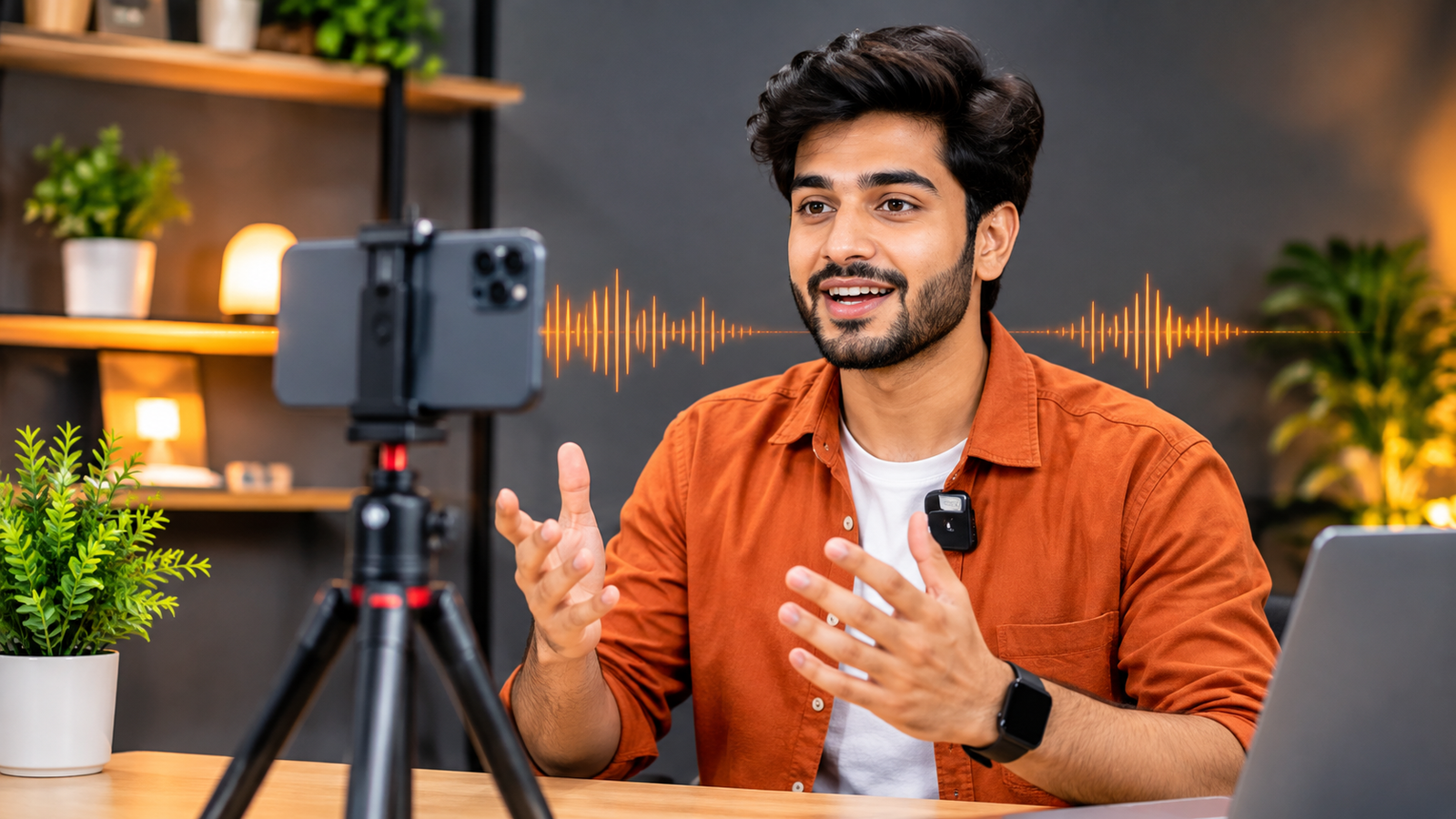
Your Reels Look Great, But Do They Sound Good? The Smartphone Audio Mistake Most Creators Make
You’ve got the perfect camera angle, good lighting and an interesting idea for your next Instagram Reel. You record the video, watch it back and realise something is missing.
Your voice doesn’t sound clear.
Maybe there’s too much background noise. Maybe your voice sounds distant. Or perhaps people have to turn up their volume just to understand what you’re saying.
Here’s something many beginner content creators overlook: good video quality doesn’t automatically mean good audio quality.
If you’re recording videos with your smartphone, improving your audio setup could make a noticeable difference to your content.
Why Does Audio Quality Matter in Reels and Videos?
Think about the videos you enjoy watching. Clear visuals catch your attention, but understandable audio helps you stay interested.
Poor audio can make even an informative video difficult to follow.
This matters especially when you’re creating:
- Instagram Reels and YouTube Shorts
- Product reviews and unboxing videos
- Educational or tutorial content
- Interviews and conversations
- Travel vlogs and outdoor recordings
Your smartphone’s built-in microphone may work well in quiet environments, but it can pick up unwanted sounds from your surroundings.
5 Common Smartphone Recording Mistakes
1. Recording Too Far Away from Your Phone
The farther you are from the built-in microphone, the harder it may be to capture your voice clearly.
Try keeping your recording setup at a suitable distance or using a microphone positioned closer to you.
2. Ignoring Background Noise
Fans, traffic, conversations and household appliances can interfere with your recording.
Choose a quieter location whenever possible. For outdoor recordings, pay attention to wind and surrounding noise.
3. Recording Without Testing Your Audio
Never assume your audio is perfect just because your camera is recording.
Record a short test clip, listen with headphones and adjust your microphone position before filming the complete video.
4. Holding Your Phone at Different Distances
When recording yourself while moving around, your distance from the phone can change constantly.
A wireless microphone clipped near your voice can make recording more convenient.
5. Using the Wrong Recording Accessories
Not every microphone works with every smartphone. Check the connector, compatibility and supported recording setup before purchasing.
Can a Wireless Microphone Improve Your Smartphone Videos?
A wireless microphone gives you another way to capture your voice without relying entirely on your phone’s built-in microphone.
For creators who record Reels, interviews, tutorials or vlogs, a compact wireless setup can make recording more flexible.
At BOMCOO, you can explore options such as:
BOMCOO K8 Wireless Microphone
Designed for compatible Type-C Android phones and iPhones, the K8 listing highlights a wireless receiver, noise-reduction functionality and a compact recording setup.
Explore the BOMCOO K8 Wireless Microphone.
F11-2 Dual Wireless Microphone
If you regularly record conversations or interviews, a dual-microphone setup is worth considering.
The F11-2 is listed as a compact dual wireless microphone for mobile video recording, interviews, live streaming and social media content.
Explore the BOMCOO F11-2 Wireless Microphone.
Always check your smartphone’s connector and device compatibility before ordering.
A Simple Audio Checklist Before Recording
Before publishing your next video, remember these five things:
- Choose a quiet recording location.
- Position your microphone correctly.
- Check your phone and microphone compatibility.
- Record and listen to a short test clip.
- Make sure your voice is understandable before filming the full video.
Final Thoughts
You don’t always need an expensive camera or a professional studio to create engaging smartphone videos.
Sometimes, improving one overlooked detail can make your content experience much better.
So, before your next Reel or YouTube video, ask yourself one simple question:
Does my video sound as good as it looks?
Explore more mobile recording accessories and everyday gadgets at BOMCOO.com.
